Article outline
- Start with the school’s actual workflows
- Check records, fees, attendance and reporting
- Ask about data access, backups and exports
- Test the system with staff before deciding
Start with the work your school needs to do
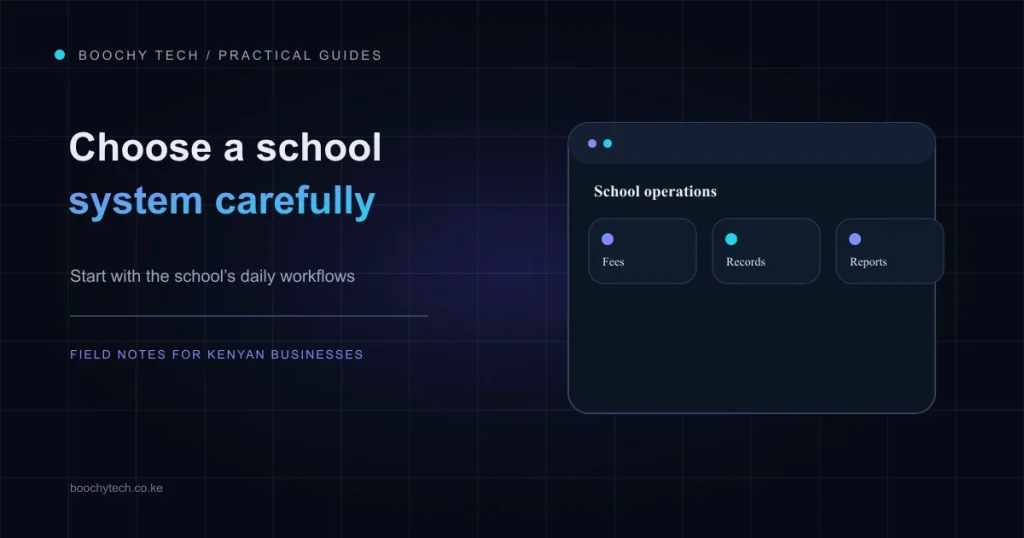
A school management system should fit the school’s daily work. Before comparing feature lists, write down the tasks that take the most time: keeping learner and guardian records, preparing fee information, taking attendance, allocating staff, or producing academic reports. Ask the vendor to demonstrate those tasks using a realistic example from your school. A polished dashboard is less useful if staff cannot complete the work they need to do.
Check the details behind each feature
For fee management, ask how the system records a charge, allocates a payment, and produces a receipt or statement. For learner records, check how information is imported, corrected and exported if you later change systems. If your school uses CBC/CBE, ask to see the actual assessment and reporting workflow and check current curriculum guidance with the relevant education authorities. A product label alone does not prove that its workflow matches your school’s requirements.
Also ask who can see or change each type of record. Find out how staff accounts are managed, how backups are made, how restoration is tested, and what happens to your data if you stop using the service. These questions matter because school records concern real learners and families. Kenya’s Data Protection Act requires personal data to be handled lawfully and transparently, kept relevant and accurate, and retained only as long as necessary.
Include the people who will use it
Invite the staff who handle fees, attendance and academic records to take part in the evaluation. Ask them to try routine tasks on the devices they actually use. Check how the vendor handles onboarding, support requests, software updates and data export. Make sure any promises about hosting, support or security appear in writing rather than relying only on a sales conversation.
Boochy Shuleni is a self-hosted system built for Kenyan schools. Its confirmed modules include learner and guardian records, fees, attendance, staff and teacher allocations, and CBC assessment and report cards. Whether it fits a particular school depends on that school’s requirements, so compare the current product details and request a demonstration. See the Boochy Shuleni overview or ask us a question.
For data handling, see the Office of the Data Protection Commissioner’s data subject rights and protection principles.