Article outline
- What a website payment integration connects
- How requests and confirmations move
- How to handle delays, failures and duplicate responses
- What to test before launch
The website, payment service and customer
Adding M-Pesa to a website is more than placing a payment button on a page. The website must connect a specific order to a payment request, give the customer a clear way to approve it, and then match the payment result to the correct order. Safaricom’s Daraja platform provides M-PESA APIs for web and mobile applications. The exact flow depends on the API and merchant arrangement you choose.
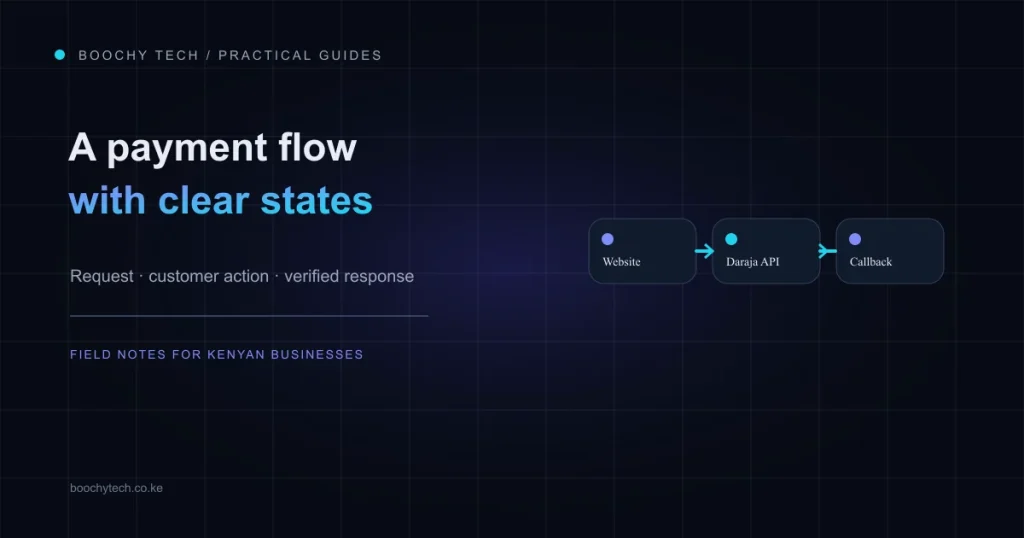
Keep the order pending until payment is verified
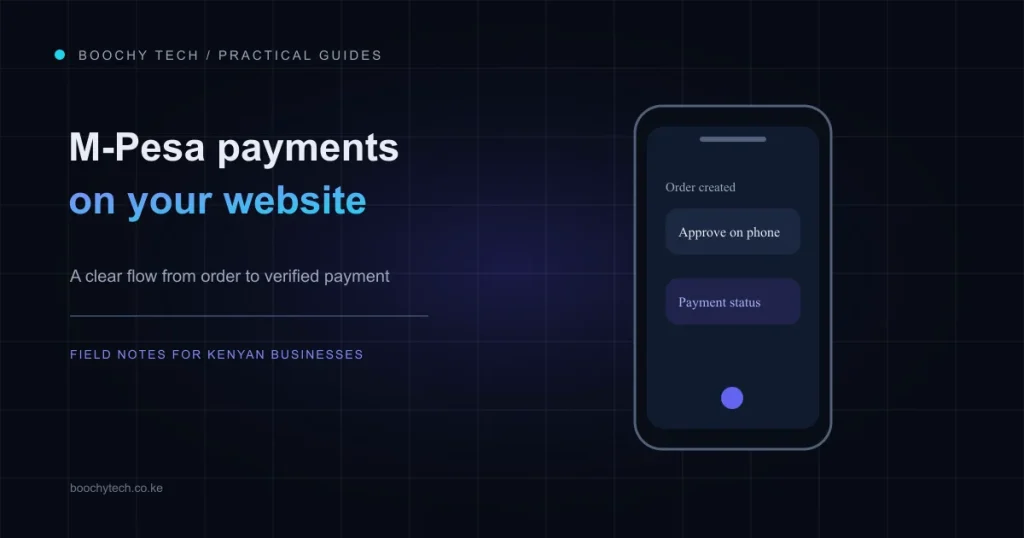
A reliable integration starts by recording an order with its own reference. The server then requests a payment through the selected service. The customer completes the required action on their phone or other payment interface. A response or callback later tells the website what happened. Until that response has been checked and matched, the order should remain pending. A request being accepted is not proof that money has been received.
When a callback arrives, validate it against the order reference and the expected payment details before changing the order to paid. Design the handler so the same response can safely arrive more than once without creating duplicate payments or receipts. Also provide a route for a customer who closes the prompt, loses connectivity, or sees a timeout.
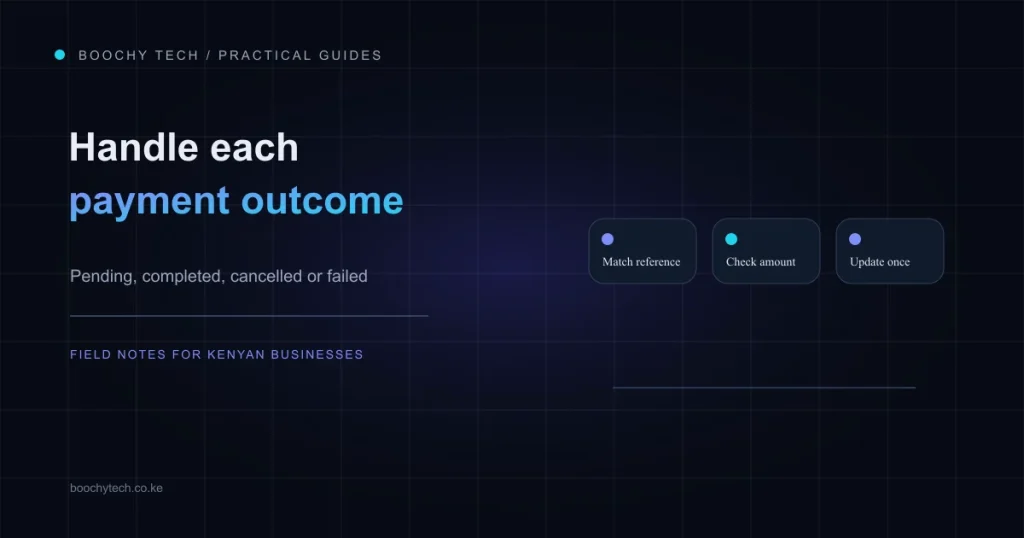
Plan for reconciliation and testing
Callbacks can be delayed or missed. Safaricom documents its Transaction Status API as a secondary way for a business to check a recent transaction when a callback has not arrived. Treat this as reconciliation, not as a reason to assume every pending payment succeeded. Keep a useful audit trail of the request, response and order reference, while protecting API credentials and never asking customers to send their M-Pesa PIN to your website.
Before launch, test successful, cancelled, timed-out and duplicate-response cases in the available test environment. Confirm who receives payment notifications, how staff resolve unmatched transactions, and what the customer sees while a payment is pending. A clear process protects both the buyer and the business when a mobile connection or payment service behaves unexpectedly.
Safaricom’s Daraja developer portal and its Transaction Status API guide are the primary references for current API details. For help planning a website integration, talk to Boochy Tech.